
Instant preview
See rendered markdown update as you type, with a responsive native feel.
Native markdown app for macOS
Fast-MD keeps markdown simple. Open a file, edit with live preview, and stay focused with a clean native interface.
Why Fast-MD
Fast-MD is built for quick reading and editing, without the noise of a full IDE.
See rendered markdown update as you type, with a responsive native feel.
Fast-MD watches your file and refreshes when changes happen outside the app.
Switch between split, editor-only, and preview-only layouts in one click.
Light, dark, and system themes with drag-and-drop support and keyboard shortcuts.
Screenshots
Editor, split view, and preview mode are all one click away.
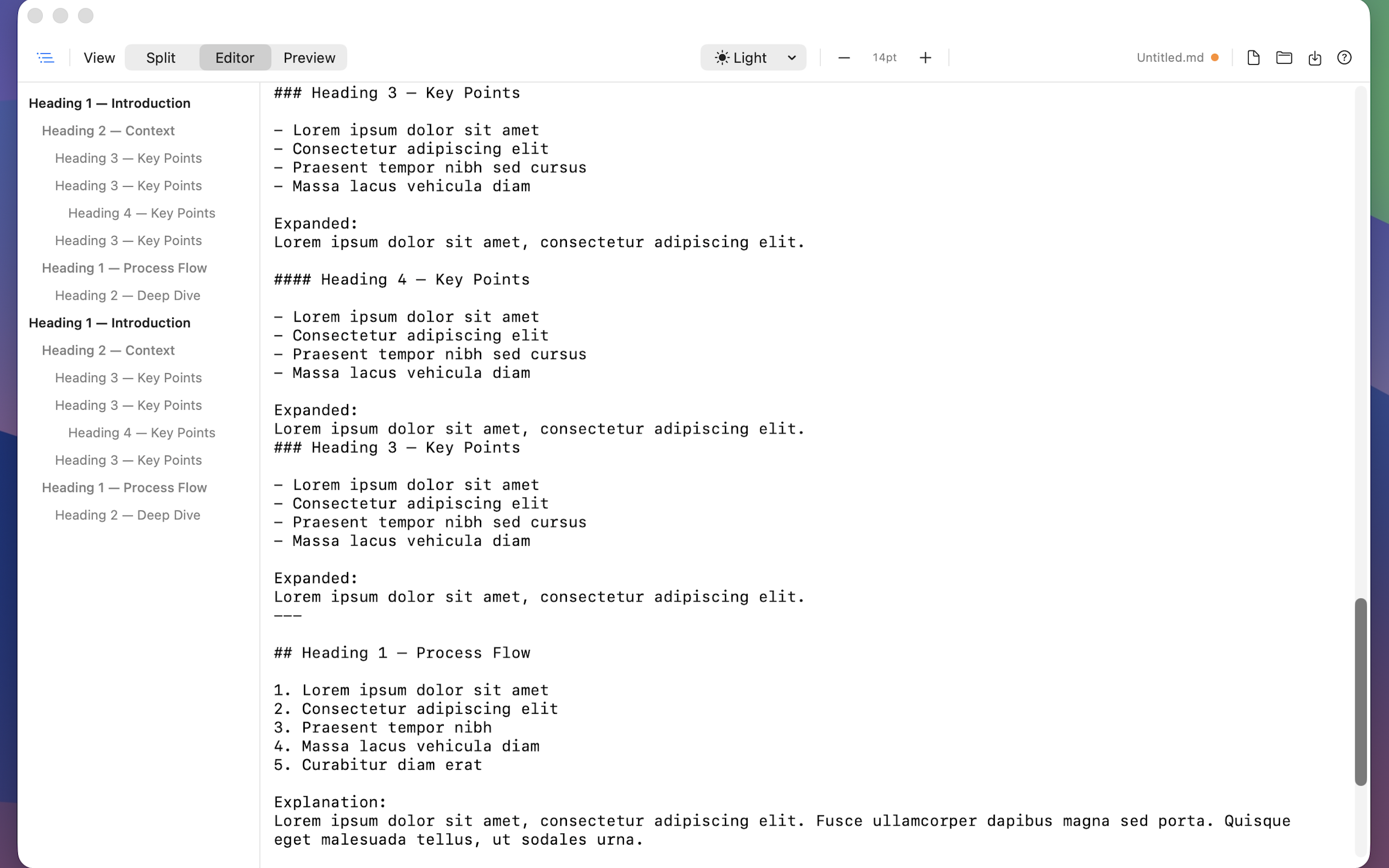
Write in a clean space with the outline always close by.
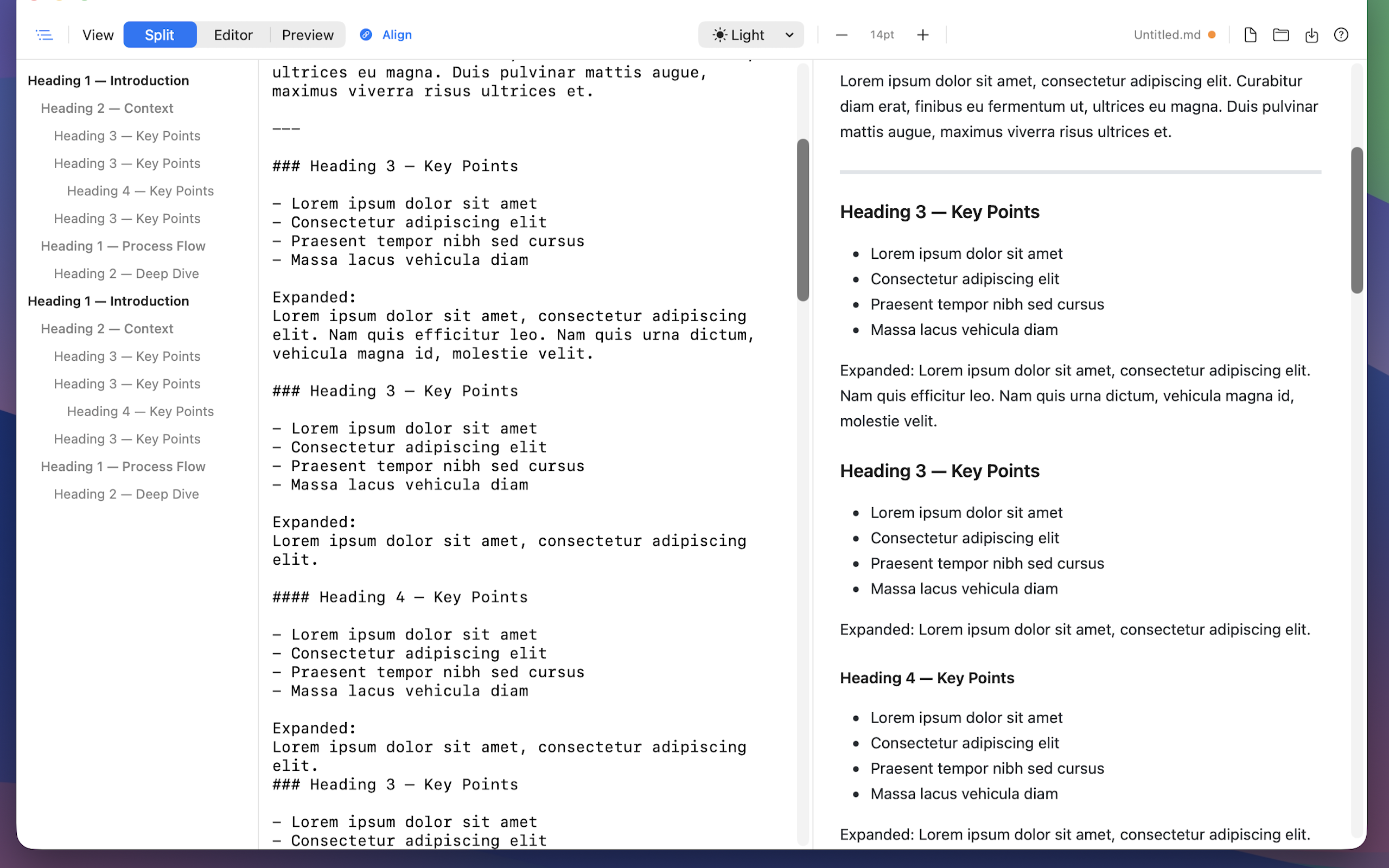
Edit on one side and read the rendered result on the other.
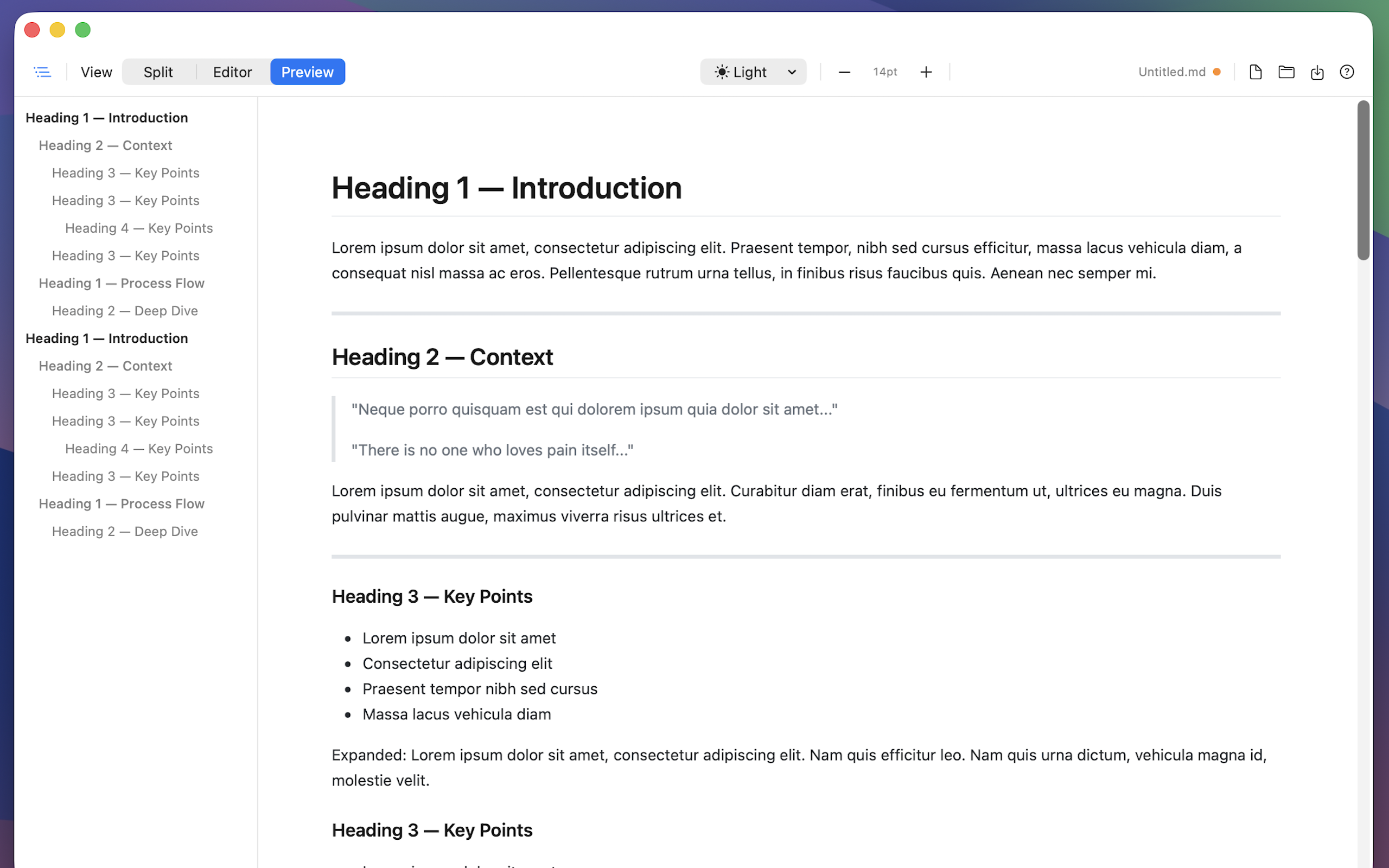
Focus on the final reading experience with a clean markdown preview.
Need help?
Use the support page for help and the privacy policy page for your final legal copy.